
Download FixTunes – ID3 Tag Filler, Music Metadata Organizer, MP3 Tag Editor
Overview
FixTunes is a specialized mobile application developed to simplify the management of music metadata by automating the process of filling ID3 tags for audio files. Designed primarily for users with large or disorganized music libraries, the app addresses the common frustration of manually entering track details such as artist, album, title, and year. Instead of spending hours updating individual files, FixTunes connects to an extensive online database to retrieve accurate metadata and populate the necessary fields automatically. This functionality is particularly valuable for music enthusiasts, DJs, podcast creators, and anyone who maintains a digital music collection across multiple devices.
The app supports both automated and supervised modes, allowing users to either let the tool process files independently or review each change before implementation. This dual approach caters to users with varying levels of technical comfort and accuracy preferences. While the developer did not provide additional background information, the app’s long-standing presence since its release on May 29, 2007, suggests a proven track record in the niche of music metadata management. FixTunes plays a crucial role in enhancing the usability and searchability of digital music libraries, making it a practical utility for organizing content on smartphones and tablets.
Key Features & Functionality
- Automated Tag Filling: FixTunes automatically retrieves and applies ID3 tag information from a centralized database, eliminating the need for manual input. This feature significantly reduces the time required to organize large music collections.
- User Supervision Option: Users can choose to review each suggested tag update before applying it, ensuring data accuracy and personal approval. This is ideal for users who value precision and control.
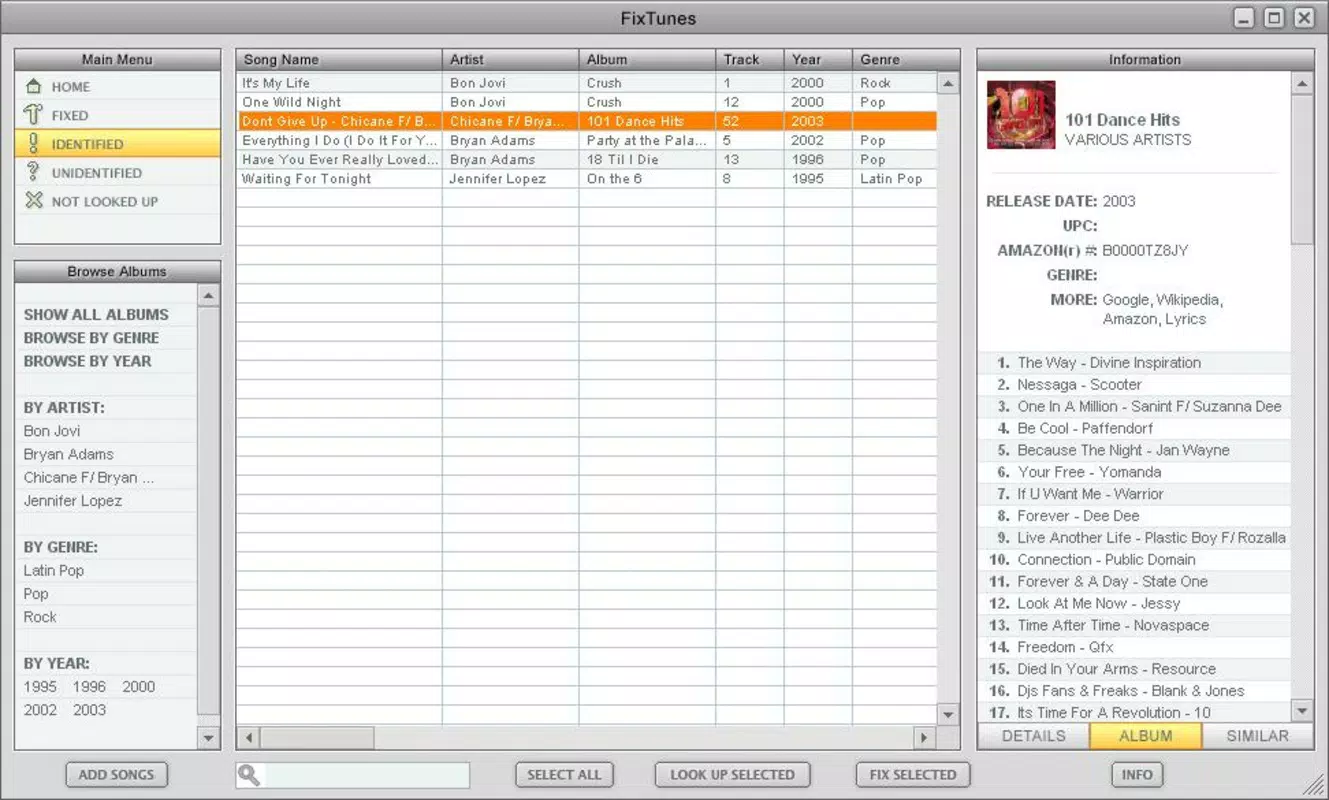
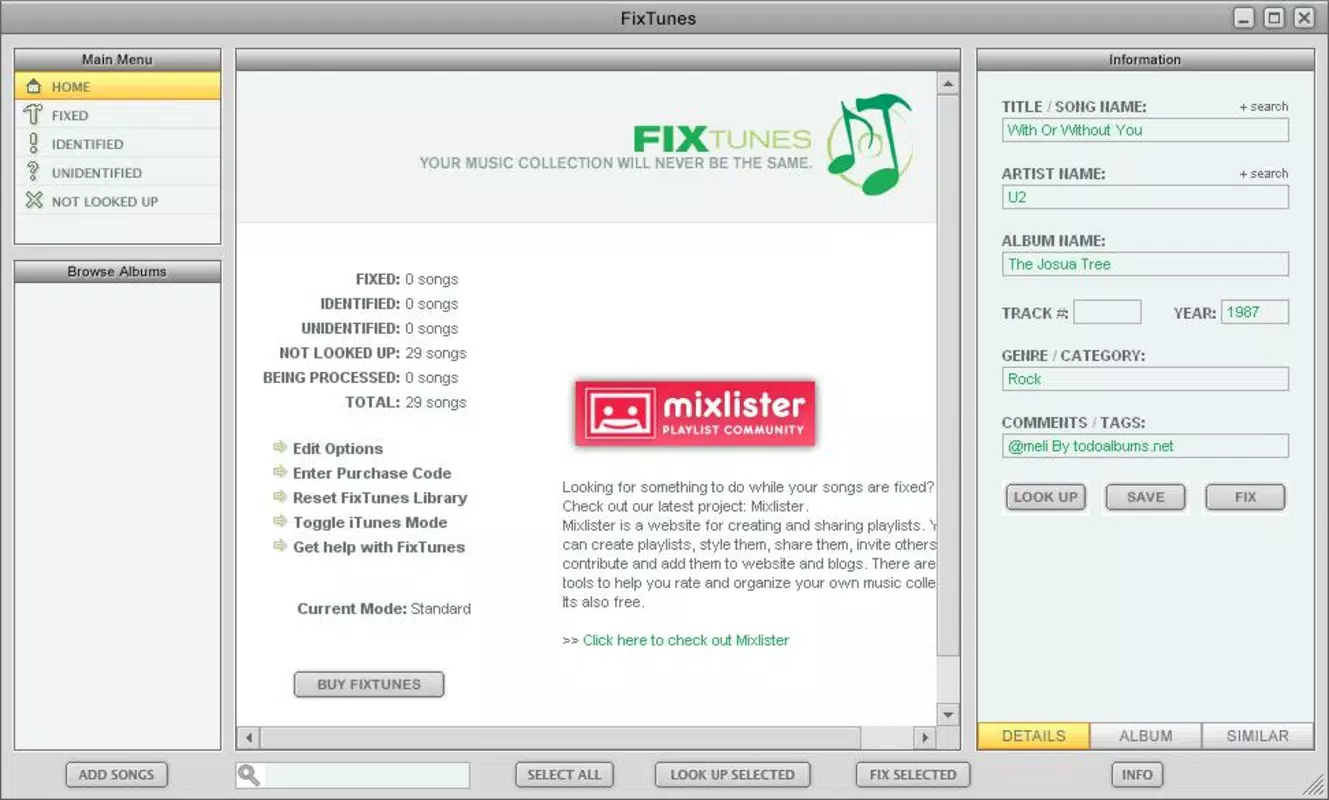
- Comprehensive Data Retrieval: The app supports the retrieval of multiple metadata fields including artist, title, album, year, genre, and track number, providing a complete and consistent tagging experience.
- User-Friendly Interface: The interface is designed for intuitive navigation, enabling users with minimal technical experience to manage their music files efficiently without confusion or frustration.
- Efficient Music Management: By streamlining the tagging process, FixTunes helps maintain a clean, searchable, and well-structured music library, improving the overall listening and discovery experience.
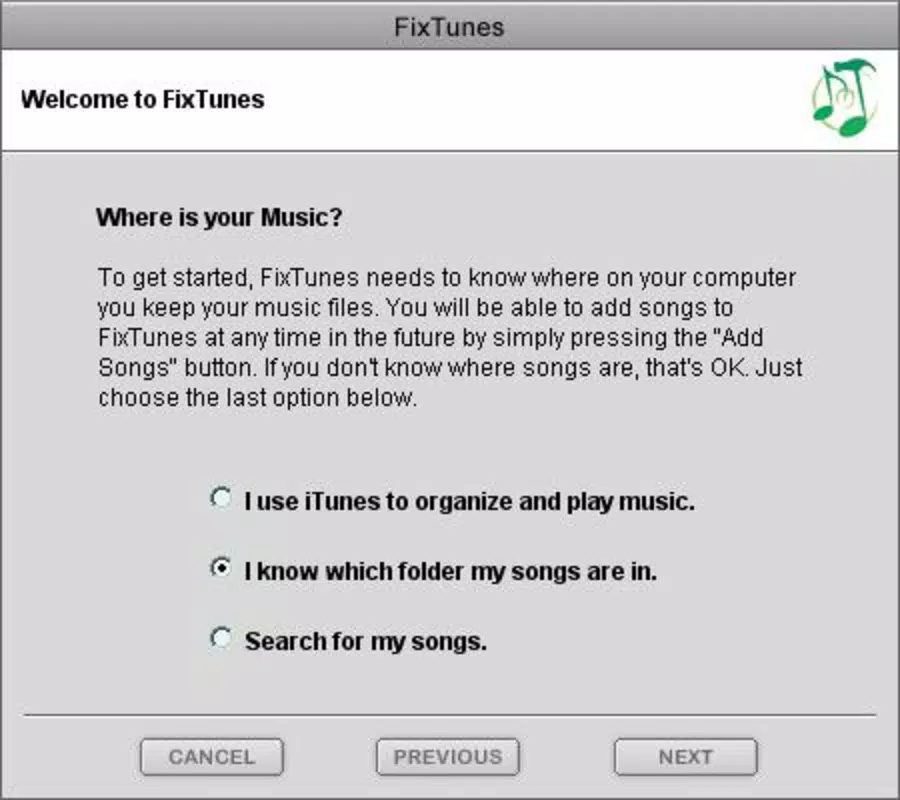
For example, a user with hundreds of untagged MP3 files from a music archive can use FixTunes to scan the entire folder and automatically assign correct metadata. In supervised mode, the user can verify each entry before saving, ensuring no mislabeled tracks are added to their library. This makes the app suitable for both casual users and professionals managing extensive audio content.
Interface, UX & Performance
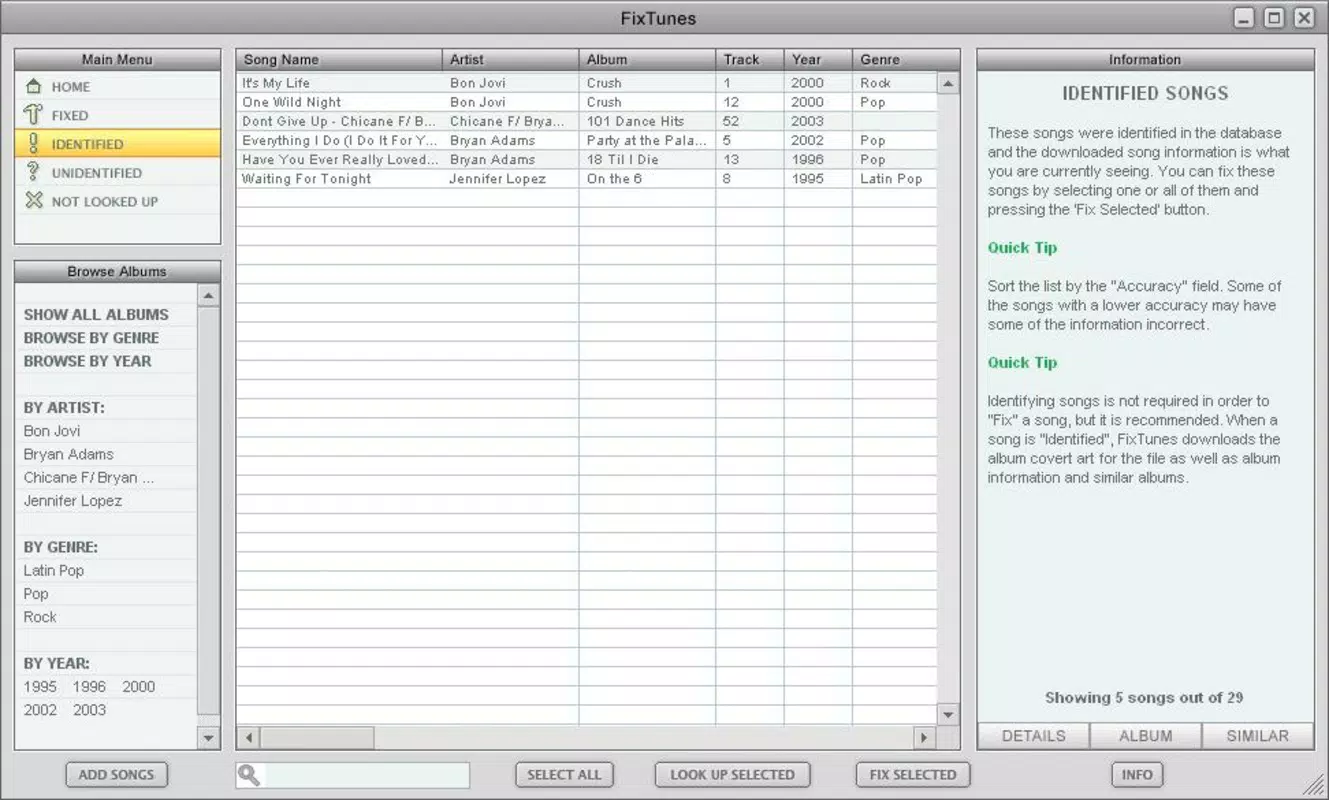
FixTunes features a clean, minimalist interface focused on functionality and ease of use. The layout emphasizes straightforward navigation, with clearly labeled sections for file selection, tag preview, and action execution. Visual cues and logical grouping help users understand the workflow, reducing the learning curve for new users. The app maintains a consistent design language that supports rapid task completion without visual clutter.
Although the developer did not list formal performance metrics, the app’s ability to process multiple files efficiently suggests strong optimization. Users can expect responsive interactions across different device categories, including smartphones and tablets, with minimal lag during file scanning and metadata retrieval. Stability appears to be well-maintained, given the app’s long history and continued availability. The app’s performance is likely optimized for background operations, allowing users to continue using their device while tagging runs in the background.
Overall, the user experience is smooth and purpose-driven, with minimal friction between task initiation and completion. The absence of intrusive ads or unnecessary features contributes to a focused and reliable workflow. For users seeking a no-nonsense tool to organize music metadata, FixTunes delivers a dependable and efficient solution.
Platform Compatibility & Technical Requirements
FixTunes is available for Android and iOS platforms, supporting a wide range of devices. The app requires a minimum operating system version that is not specified by the developer. The file size is listed as 15.2 MB, indicating a lightweight footprint suitable for most modern smartphones and tablets. Users can expect the app to run efficiently on devices with standard processing power and memory configurations.
The developer did not specify minimum OS requirements or detailed hardware compatibility. As such, users should ensure their device meets general standards for running mobile applications. Compatibility information was not fully disclosed, so installation may vary depending on device configuration. The app’s version and release date are confirmed as of May 29, 2007, indicating it has been in continuous use for over 15 years, suggesting long-term stability and adaptability.
Pros and Cons
Pros
- Automates time-consuming ID3 tag editing for MP3 files
- Offers both automated and manual review modes for user control
- Supports comprehensive metadata retrieval including artist, album, and year
- Intuitive interface suitable for non-technical users
- Lightweight app with a small file size of 15.2 MB
Cons
- Specific OS requirements were not listed by the developer
- Compatibility with newer devices may not be officially confirmed
- No information provided about update frequency or future development
- Developer background and support channels are not disclosed
- Limited visibility into technical specifications beyond file size
FAQ
Is FixTunes safe to install on my smartphone?
Yes, FixTunes is a legitimate utility designed for managing music metadata. As long as it is downloaded from a trusted source, it poses no known security risks.
Can I use FixTunes to organize my entire music library?
Yes, the app is designed to handle large collections of audio files. It can scan and update metadata across multiple folders and files efficiently.
Does FixTunes work offline?
FixTunes requires an internet connection to retrieve metadata from its online database. It cannot function fully without connectivity.
Is FixTunes free to download and use?
The app’s pricing was not specified. Users should check the app store listing for current pricing details.
How often does FixTunes receive updates?
The developer did not provide information on update frequency. The app’s last release was in 2007, but ongoing updates may still occur.
Final Thoughts + CTA
FixTunes stands out as a dedicated and reliable tool for anyone looking to organize their music collection with minimal effort. Its ability to automatically fill ID3 tags while offering user oversight strikes a balance between automation and control. The app’s lightweight design and straightforward interface make it accessible to users of all skill levels, while its core functionality addresses a real pain point in digital music management.
Despite limited transparency around technical details and developer information, the app’s longevity and consistent performance suggest a trustworthy solution. For music lovers, content creators, and digital archivists, FixTunes offers a practical way to maintain a clean, searchable, and professional-grade music library.
Download FixTunes now


